1.2.1. Model validation
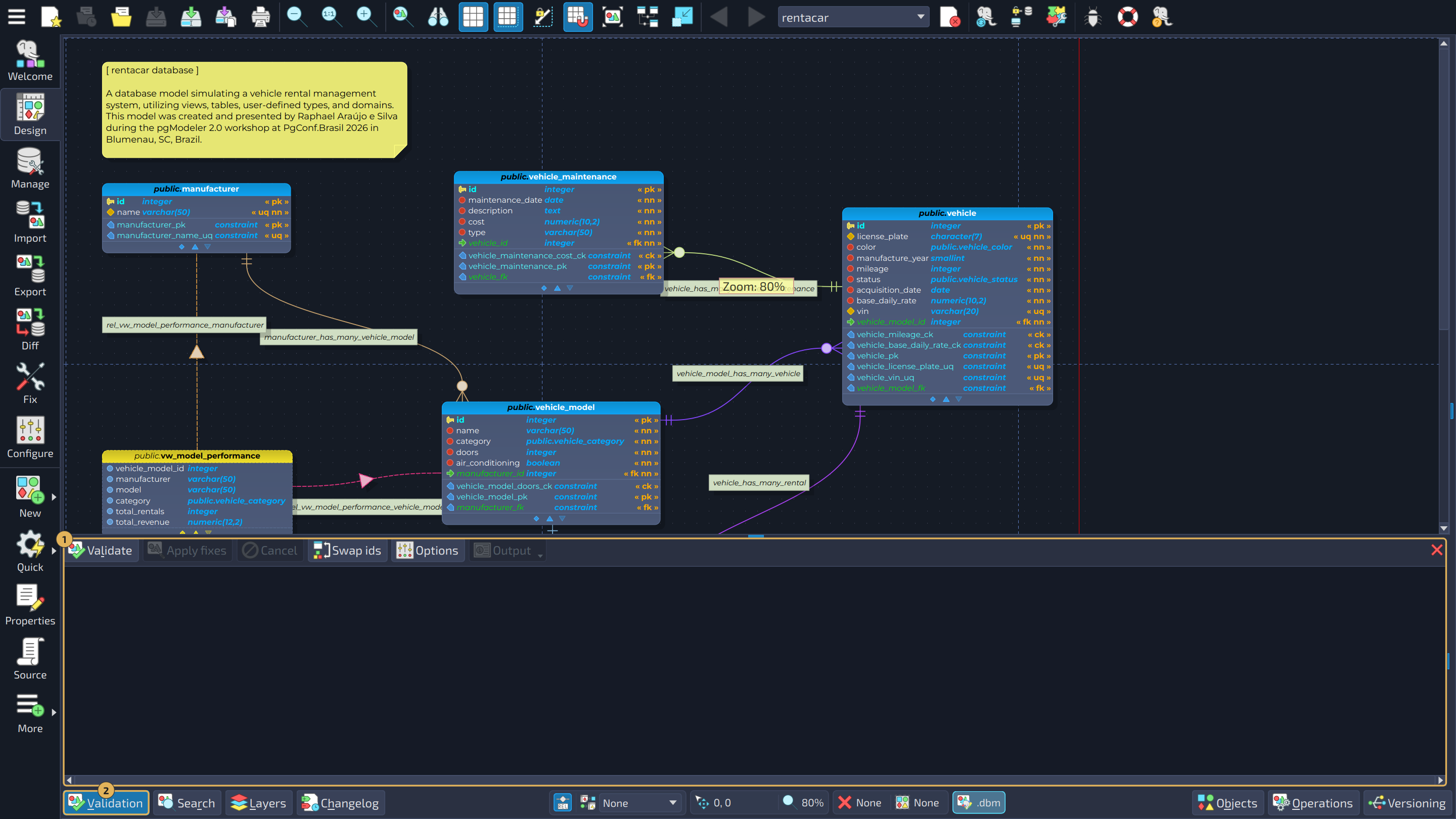
The model validation tool is used to check the current model's structure so that an almost error-free file can be created by performing several validation routines. In case of conflicts, the user can apply automatic fixes or do manual repairs. The process of validating a model will ensure that when exporting it to a database server, no errors will be returned due to conflicts or references breaking. This widget can be toggled using the button  Validation located at the bottom-left portion of the design view. A complete description and usage of this tool are available in Chapter 6: Advanced tools.
In the image below, the widget is marked with 1 and the button that toggles it with 2.